
Download Seven Update – software update tool, Windows 7 interface, update scanner, one-click update, manual software addition, update history, PC maintenance
Overview
Seven Update is a utility designed to simplify the process of keeping software on a Windows PC up to date. Its primary purpose is to reduce the manual effort required to monitor and install updates for installed applications. The app addresses a common challenge faced by users: the risk of outdated software leading to security vulnerabilities, performance issues, or compatibility problems. By centralizing update management, Seven Update streamlines maintenance tasks and enhances system reliability.
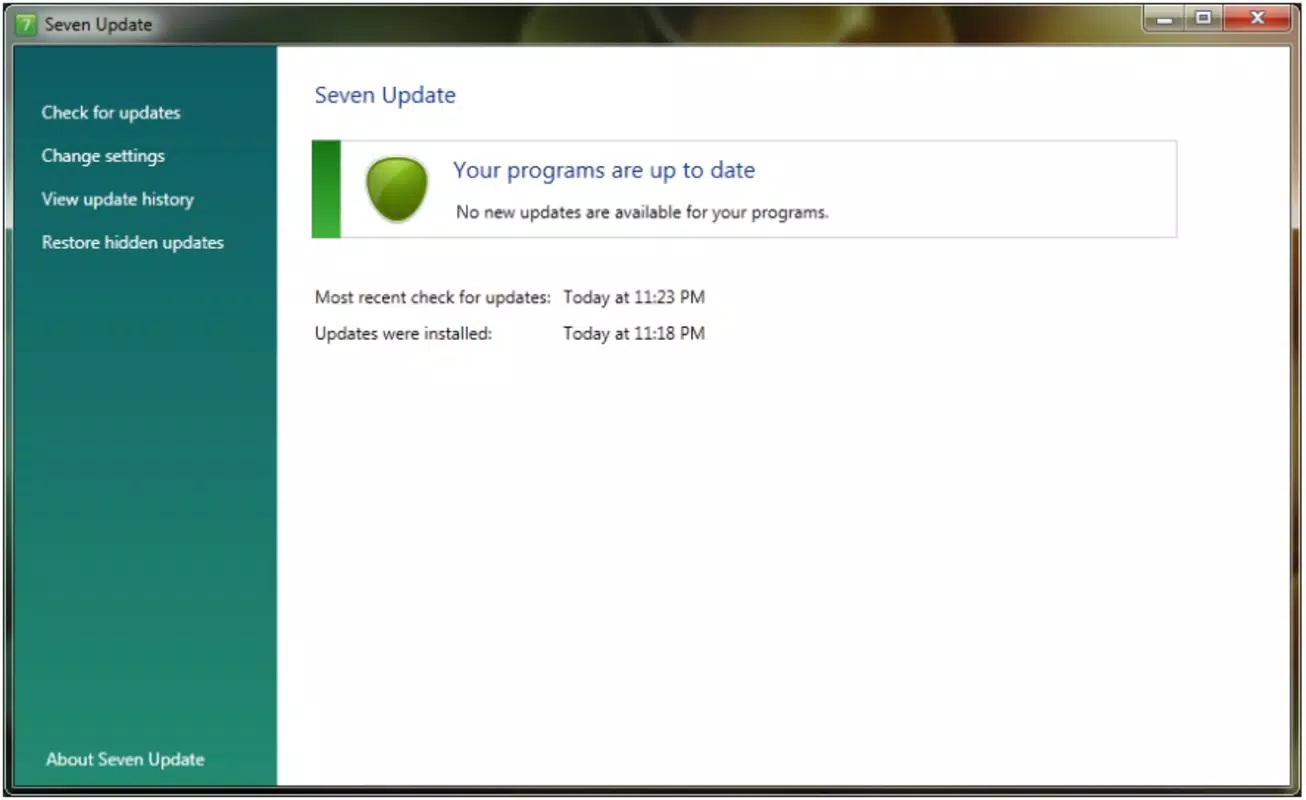
Target users include both novice and experienced PC users who value efficiency and system stability. The app’s interface, which draws inspiration from the Windows 7 design language, aims to provide a familiar and intuitive experience. This design choice may appeal to users who prefer a clean, structured layout and are comfortable with classic desktop environments. The application supports both automatic and manual update processes, offering flexibility based on user preference.
Although the developer did not provide additional technical details, the app’s long-standing presence since its release in 2012 suggests a level of reliability and continued relevance in the utility space. Real-world use cases include home users managing personal software, small business owners maintaining multiple workstations, and IT administrators seeking a lightweight tool for routine checks. In the broader app ecosystem, Seven Update fills a niche for minimalistic, focused tools that prioritize usability over complexity.
Key Features & Functionality
- Intuitive Interface: Modeled after the Windows 7 aesthetic, the app presents a clean, organized layout that minimizes cognitive load. Users can quickly locate update options without training or prior experience, making it accessible to non-technical individuals.
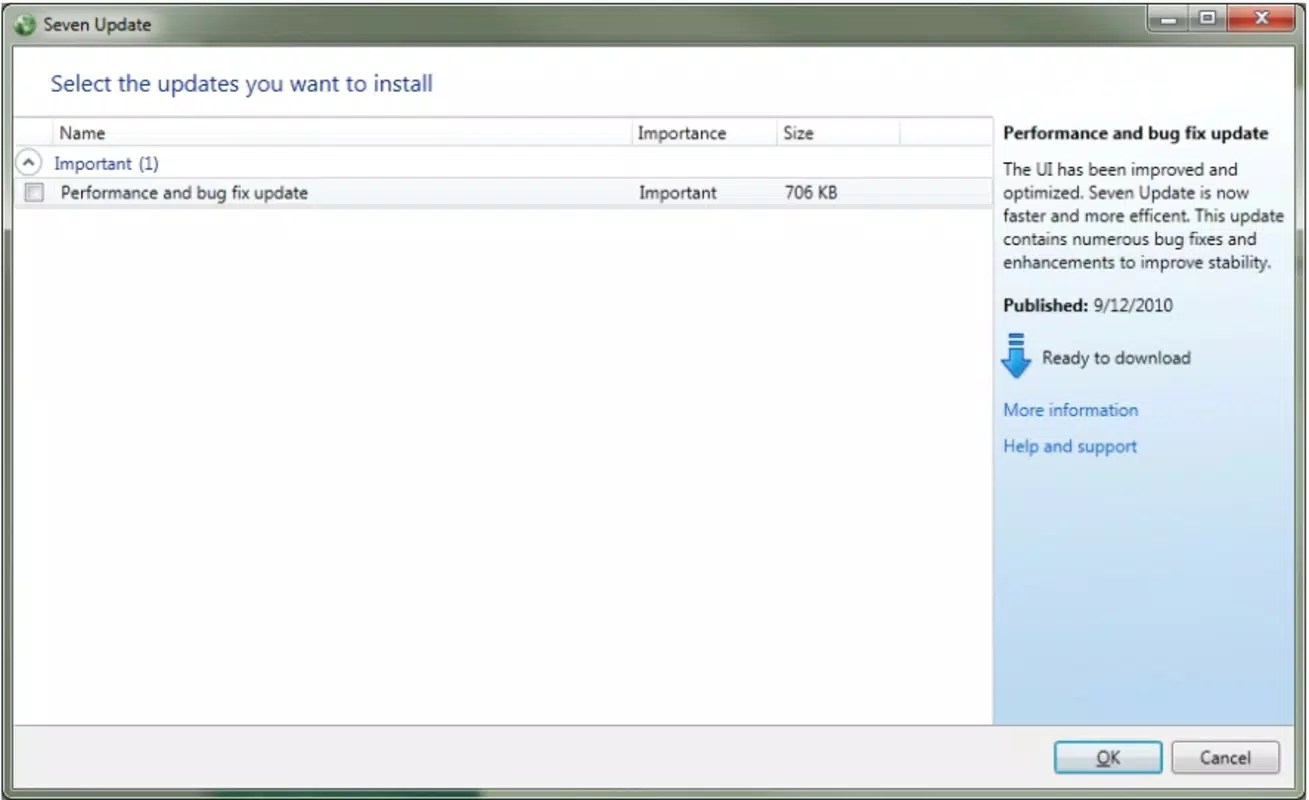
- Comprehensive Update Scanning: The tool performs a full system scan to detect outdated applications. Results are displayed in a unified list, allowing users to assess the status of all installed software at a glance.
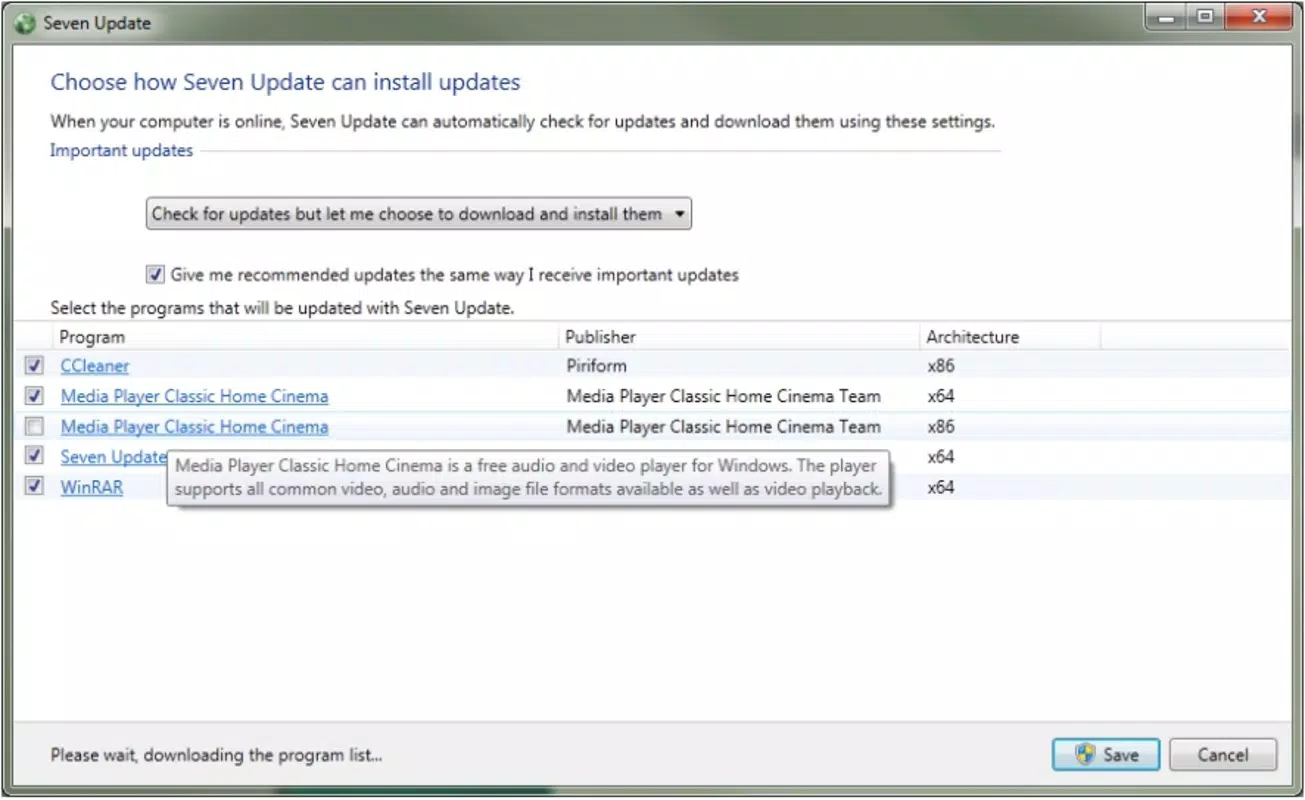
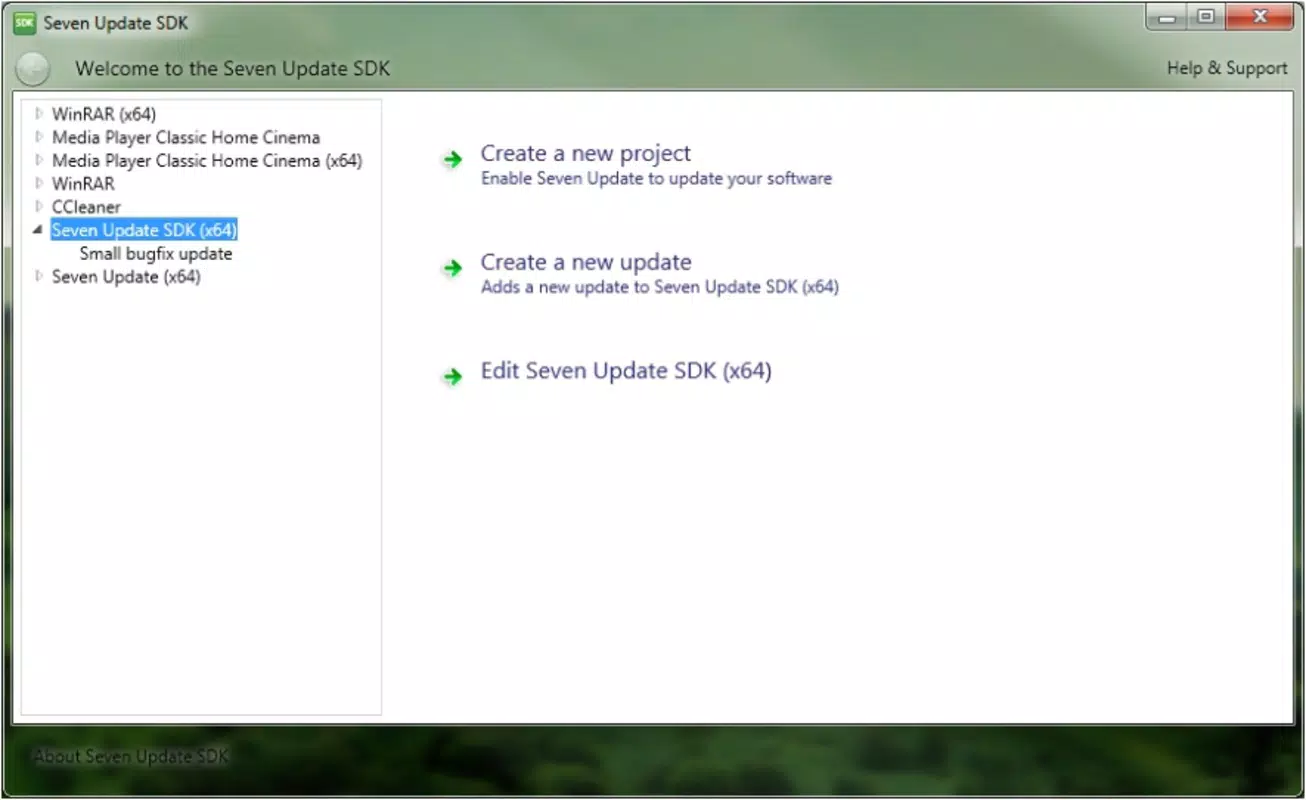
- Manual Program Addition: Users can manually input software not detected by the scanner, ensuring that niche or custom applications are not overlooked during updates.
- One-Click Updates: With a single interaction, users can install all available updates, significantly reducing the time and effort involved in software maintenance.
- Update History Tracking: The application logs each update performed, enabling users to review past changes and monitor the maintenance activity of their system over time.
These features collectively support real-world scenarios such as routine PC maintenance, preparing a computer for a new software deployment, or troubleshooting performance issues linked to outdated programs. The combination of automation and manual control makes Seven Update adaptable to various workflows, from personal use to light administrative tasks.
Interface, UX & Performance
The user interface of Seven Update reflects a deliberate design choice to emulate the Windows 7 experience. This includes a consistent color scheme, clear iconography, and a linear navigation structure. The layout is optimized for ease of use, with key functions placed within immediate reach. Users can expect minimal learning curves, particularly those accustomed to older Windows environments.
Navigation is straightforward, relying on a central dashboard that displays scan results and update actions. Menus are context-sensitive, reducing clutter and improving focus. Although the developer did not list formal performance metrics, the app’s file size of 2.3 MB suggests a lightweight footprint, which typically correlates with fast startup times and low memory usage.
Responsiveness appears to be stable across different device categories, though specific hardware requirements were not disclosed. The application runs without visible lag during scanning or update execution, indicating efficient resource management. Stability is further supported by the app’s long-term availability, suggesting consistent behavior over time. Users can expect a reliable experience, especially for basic update management tasks.
Platform Compatibility & Technical Requirements
Seven Update is designed for the Windows platform. The current version is 1.0.0, with a file size of 2.3 MB. The app is available at no cost, making it accessible to a wide range of users. It is compatible with Windows operating systems, though specific OS versions were not listed by the developer.
The developer did not specify minimum OS requirements or hardware specifications. As such, users should consider compatibility with their current Windows environment, particularly if using older or newer versions of the OS. The lightweight nature of the application suggests it may function on systems with modest resources. However, no guarantees can be made without official documentation.
Pros and Cons
- Simple, intuitive interface inspired by Windows 7
- Supports both automatic and manual update processes
- One-click update installation for quick maintenance
- Manual addition of software ensures broad compatibility
- Update history tracking provides transparency and control
- Free to download and use
- Small file size, low system impact
- Developer did not provide detailed system requirements
- Compatibility with newer Windows versions is not confirmed
- No cloud sync or backup features
- Limited to desktop Windows environment
- App has not been updated since 2012
- No official support channels listed
FAQ
Is Seven Update safe to install?
The app is free and available through official channels. However, as it has not been updated since 2012, users should exercise caution and ensure their system is protected with up-to-date antivirus software.
Can I use Seven Update on Windows 10 or Windows 11?
While the app was designed for Windows, the developer did not specify compatibility with newer operating systems. It may function on modern Windows versions, but no guarantees are provided.
Does Seven Update require internet access?
Yes, an active internet connection is necessary to scan for updates and download new versions of software.
How often should I run Seven Update?
Users are advised to run the app regularly—ideally once a week—to maintain optimal software health and security.
Can I schedule automatic updates?
The app supports automation, though specific scheduling options were not detailed. Users may need to configure external tools or task schedulers for automated execution.
Final Thoughts
Seven Update remains a functional tool for users seeking a straightforward way to manage software updates on Windows. Its clean interface, lightweight design, and one-click functionality make it a practical choice for those who value simplicity and efficiency. While its age raises concerns about compatibility and support, it continues to serve as a reliable utility for basic PC maintenance.
It is best suited for users who prefer minimalistic tools, are comfortable with older UI designs, and do not require advanced features like cloud integration or cross-device sync. For individuals managing a single PC with standard software, Seven Update offers a secure, free, and effective solution.
Despite its outdated status, the app demonstrates the enduring value of focused, well-designed utilities. Download Seven Update now to streamline your software update process.


